
 Deutsch
 English
 Türkçe
In this area, you can contact the SaleVali support team and create a support ticket.
Creating a Ticket
To do this, click the 'Create Ticket' button.

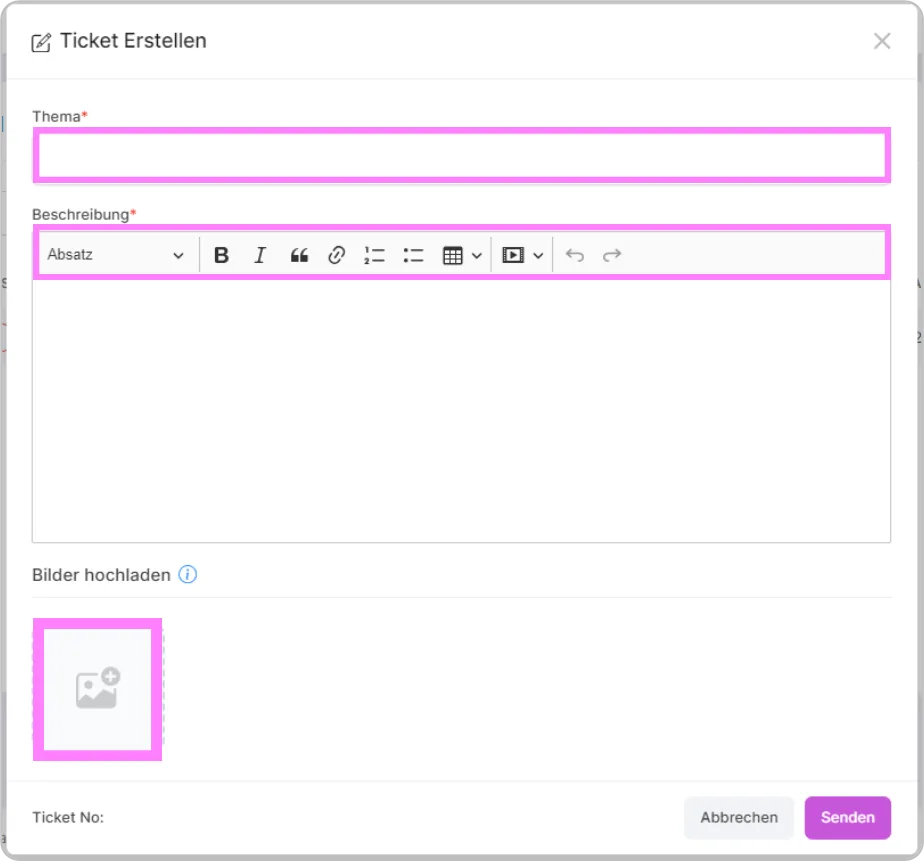
Recommended size in the standard template: Max 4 files, Max 3 MB, JPEG, JPG, GIF, PNG format.
Tracking Tickets
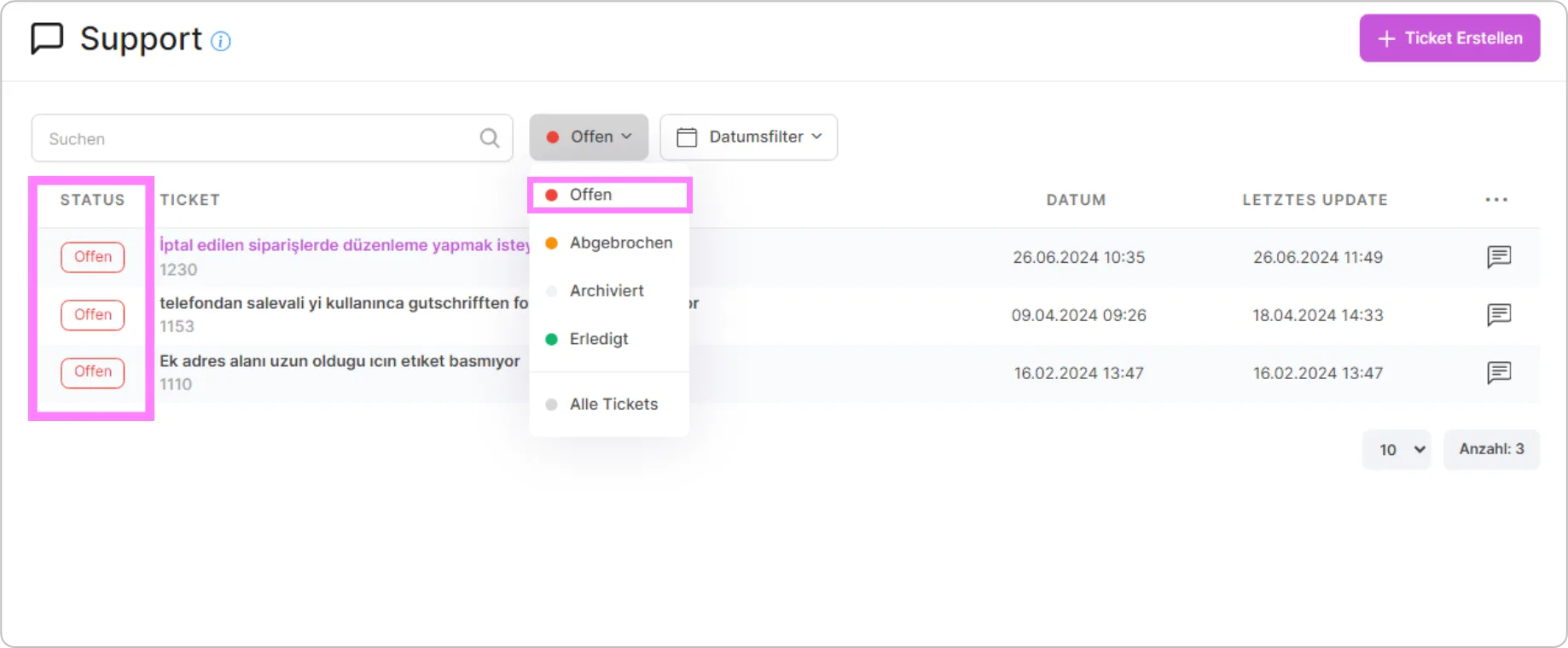
You have an overview of your submitted/open tickets and can track them on this page. In the Search area, you can search by your ticket number. Our support messages are sent simultaneously to your email account and to your SaleVali application account. Unanswered requests are automatically closed after 5 days.
Notifications
Your unread messages appear in a different color than shown in the image and also appear as notifications in the "Support" section on the right.

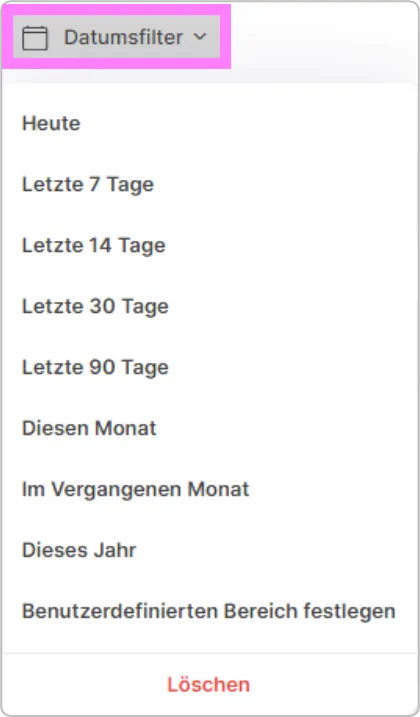
Filtering by Date
You can also review your old tickets by selecting the desired time period.
Was this article helpful?
Thanks for your feedback!